
Editing
AI background removal for jewelry photos in one step
Clean or styled backgrounds rendered in about 30 seconds.
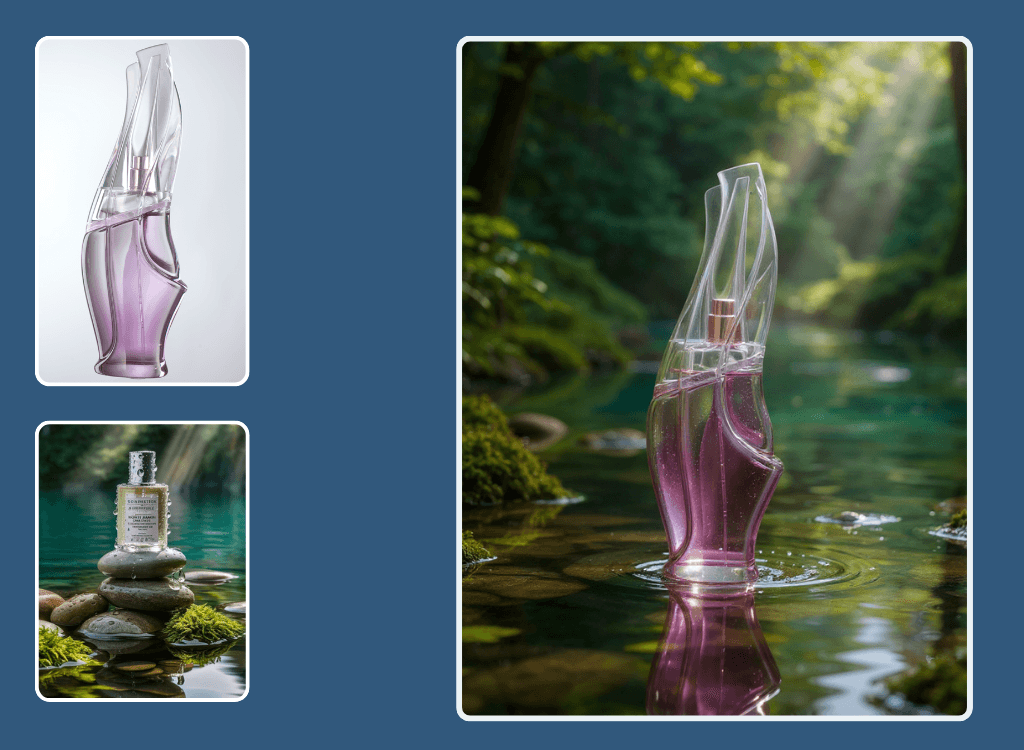
AI background removal for jewelry swaps a cluttered or inconsistent backdrop for clean white or a styled scene, without manual masking. Upload a product shot and Hues re-renders it on a new background in about 30 seconds, edges and sparkle intact. Every image is 4K with full commercial rights.
Why jewelers use it
No tedious masking
Fine chains and prong tips are the hardest things to cut out by hand, and Hues handles them cleanly.
Marketplace-ready white
Drop pieces onto pure white to meet listing standards, or onto a styled set for campaigns.
Consistent catalogs
Unify a range shot in different places onto one backdrop so your store looks deliberate.
4K commercial rights
Every swap renders in 4K with full commercial rights for any channel.
How it works
- 1
Upload the shot
Add a product photo with any existing background.
- 2
Pick a backdrop
Choose clean white or a styled scene for the piece.
- 3
Download the result
Collect a 4K image on its new background in about 30 seconds.
What you can feed it
- Product photos
- Phone snapshots
- Flat lays
- On-model shots
- Catalog images
Frequently asked questions
Yes. Delicate chains, prong tips, and open settings are exactly where manual masking fails, and Hues cuts them cleanly while keeping sparkle. That is the advantage of a model trained specifically on jewelry.
You can place any piece on clean white to satisfy marketplace image requirements, or swap in a styled scene for campaign work. The same upload can serve both listing and marketing needs.
Yes. If a range was shot in different places or lighting, you can re-render every piece onto one backdrop so the collection reads as a single, deliberate set rather than a patchwork.
Every background swap shows its exact credit cost before you run it. New accounts start with 80 free credits once they verify their email address, with no card required, and credits are a one-time purchase rather than a subscription.
Related tools & reading
AI jewelry photography
Catalog-ready 4K photography rendered in about 30 seconds.
Jewelry photo retouching
Dust, glare, and fingerprints gone in about 30 seconds.
Jewelry model photography
Lifelike model photography rendered in about 30 seconds.
Background Removal
Background removal is the process of separating a subject from its original surroundings in a photo, producing a clean cut-out that can be placed on a plain color, a transparent layer, or a new scene.
White Background Product Photography
White background product photography is the practice of photographing an item against a pure, evenly lit white field so the product is cleanly isolated and presented consistently across a store or marketplace.
How to Photograph Jewelry at Home Like a Pro
A hands-on guide to photographing jewelry: the gear that matters, how to control light and reflections, the camera settings for crisp detail, and where to stop fussing and let software help.
AI jewelry photography tools compared
Hues AI against Photoroom, Pebblely, Midjourney and a studio shoot.
Start with 80 free credits
No card required. Turn your next product shot into catalog-ready imagery in under a minute.