
Use Cases
One studio, every jewelry shot
From a single smartphone snap to a full catalog, Hues AI turns raw inputs into showroom-ready imagery and video. Browse the tools by what you need to make.
Photography
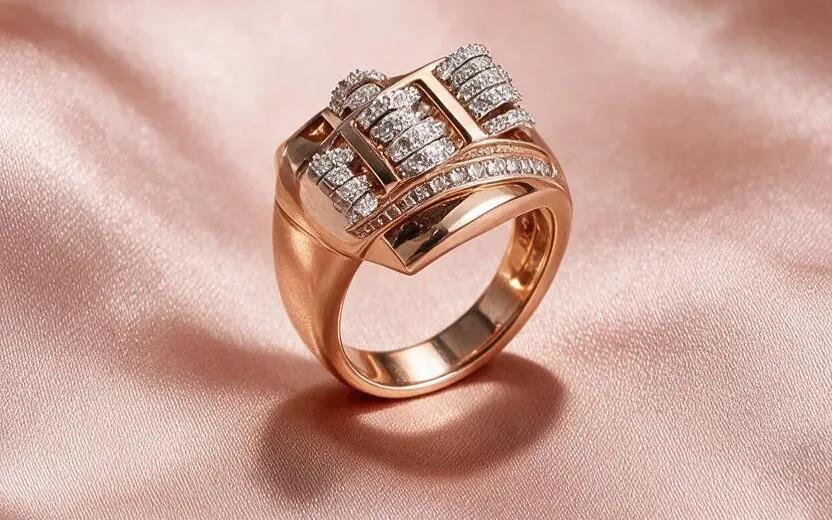
Retouching
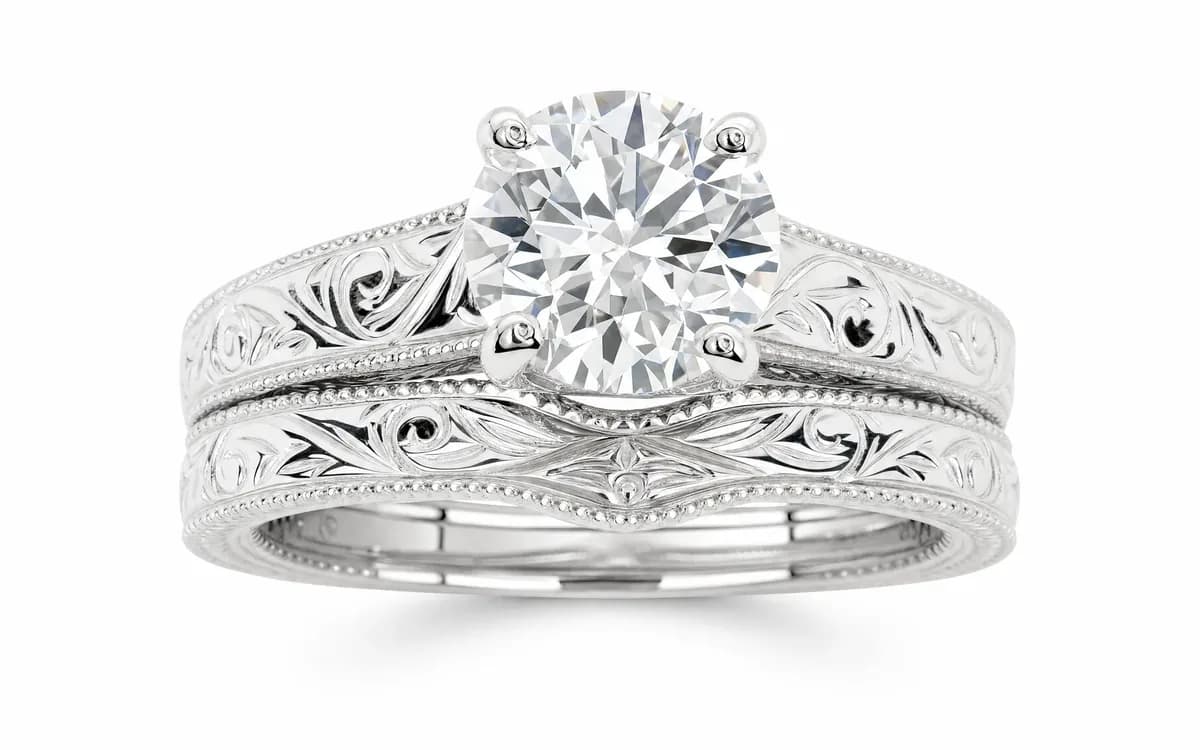
Virtual Try-On
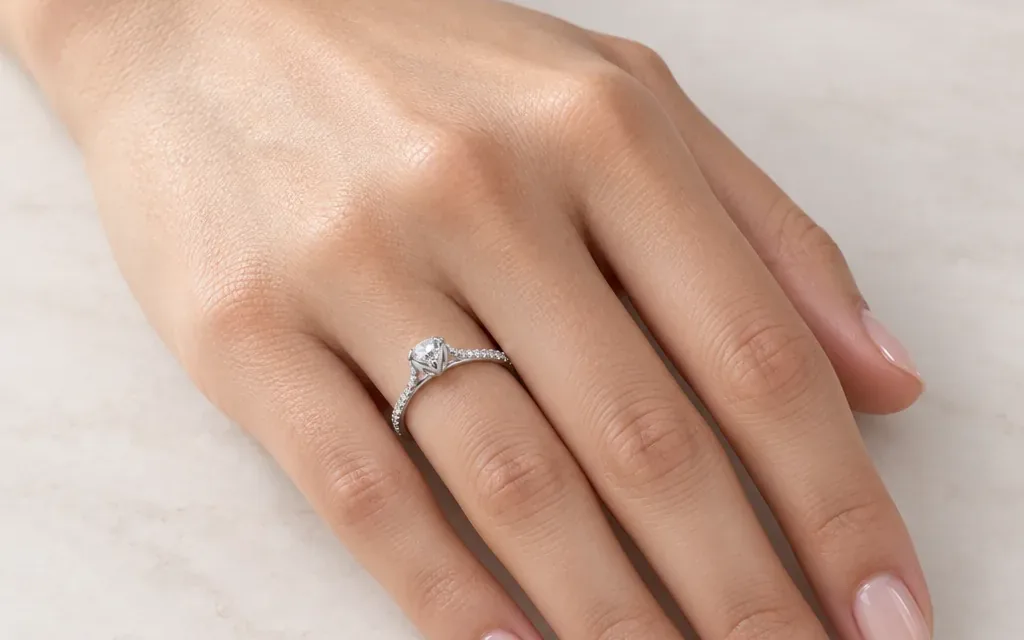
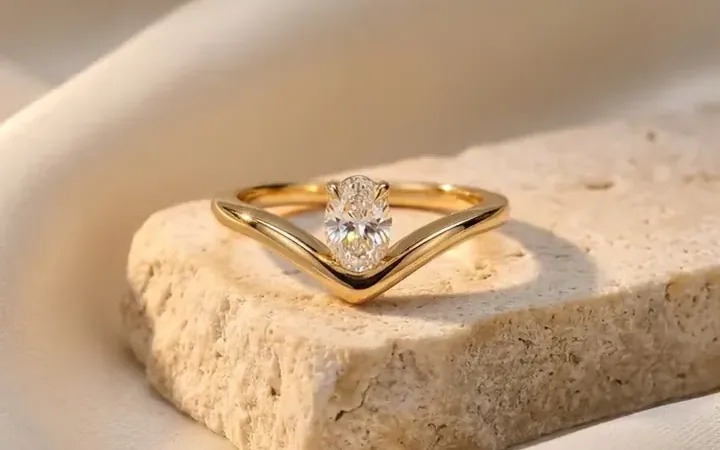
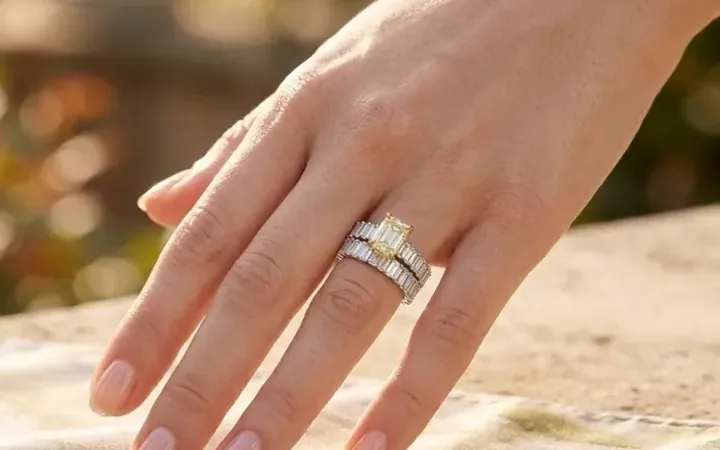
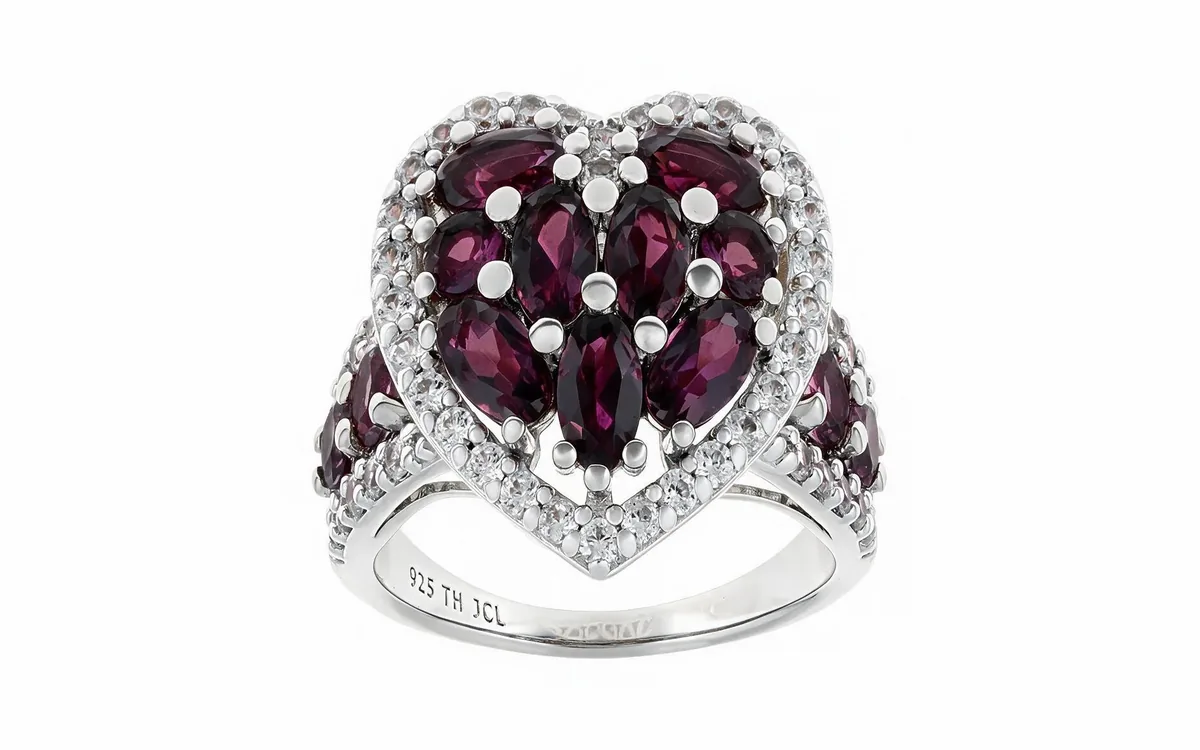
Virtual ring try-on
Lifelike on-hand ring imagery rendered in about 30 seconds.
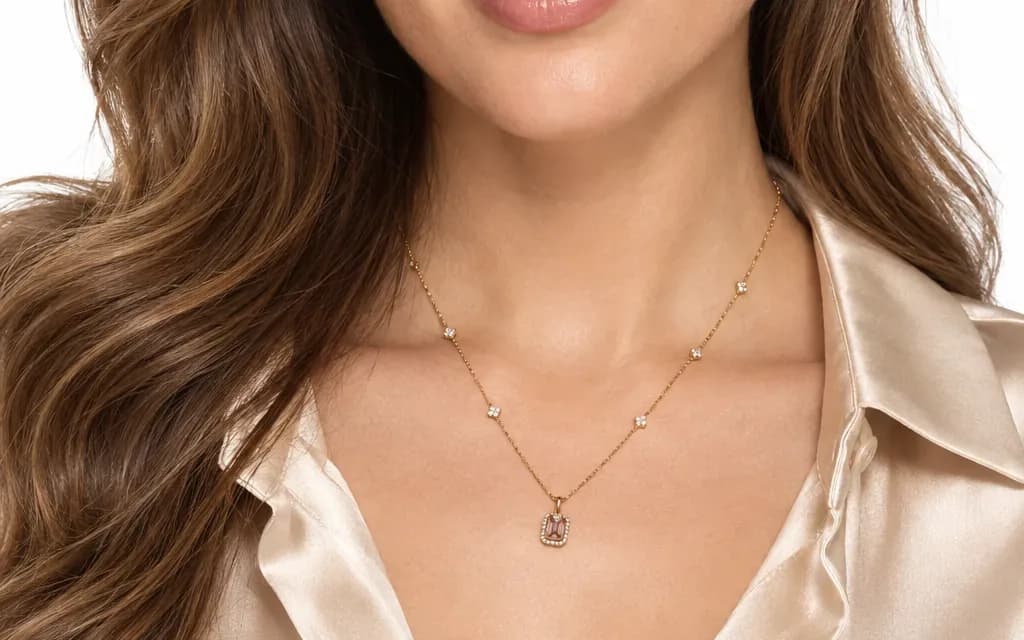
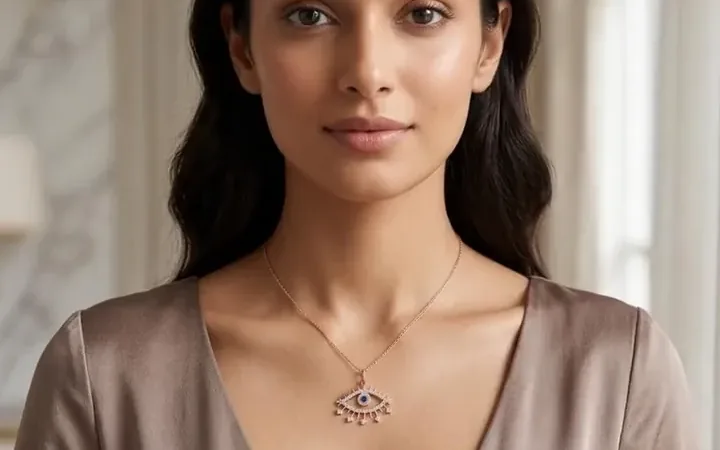
Virtual necklace try-on
Lifelike on-model necklace imagery in about 30 seconds.
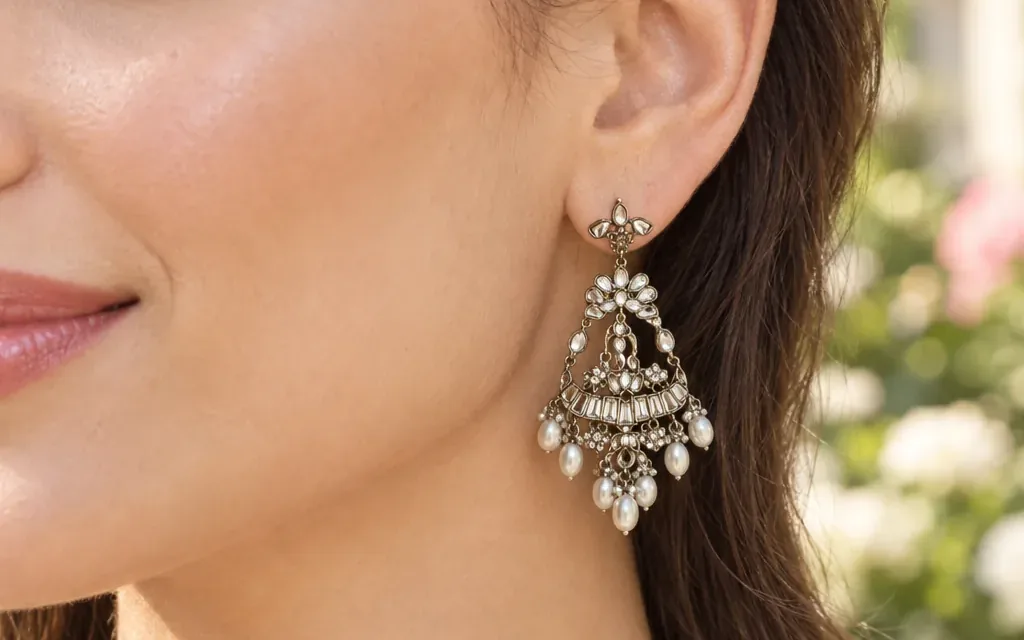
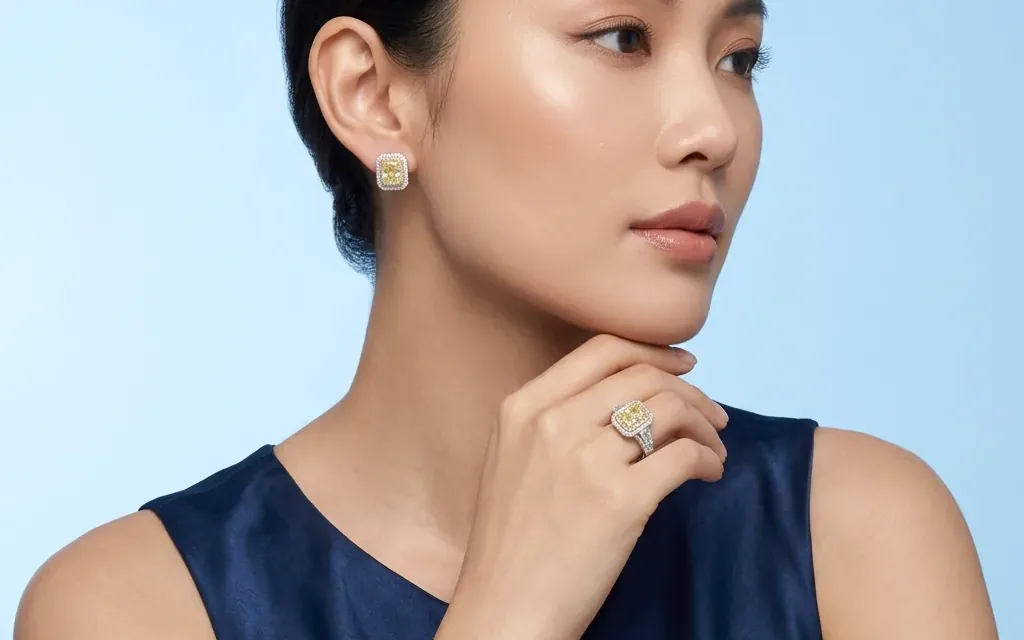
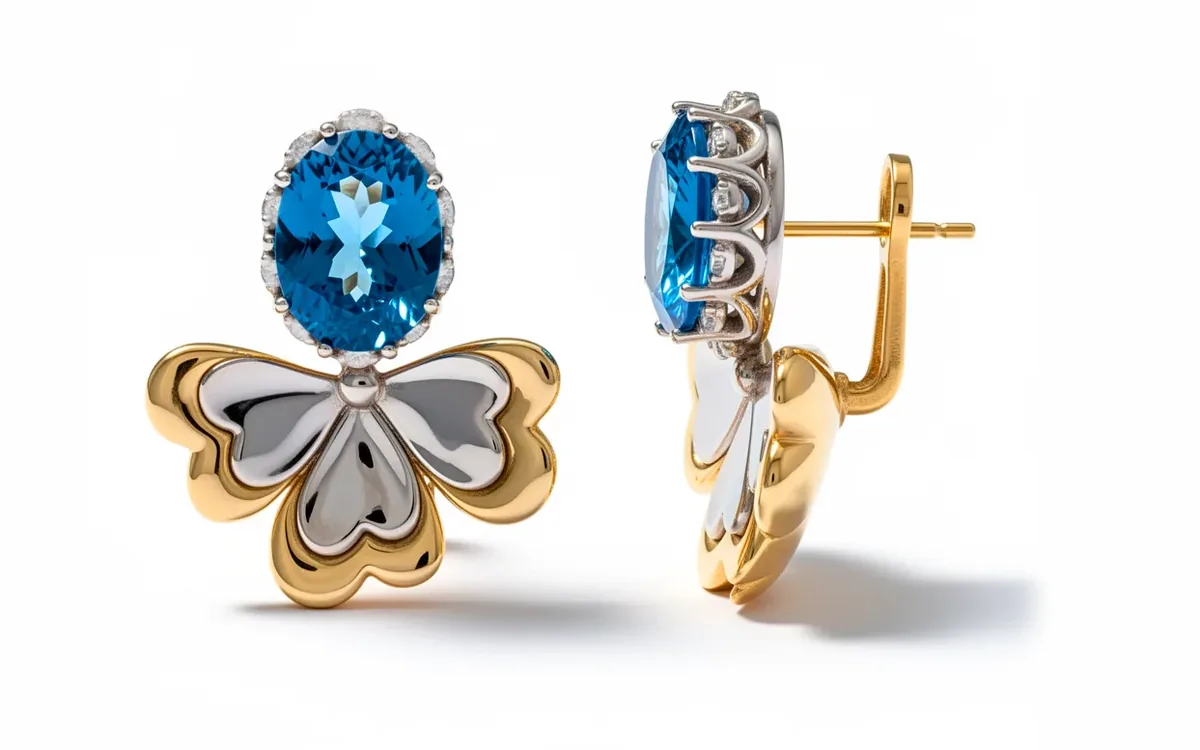
Earring virtual try-on
On your own ear or on a model: studs, hoops and drops in about 30 seconds.
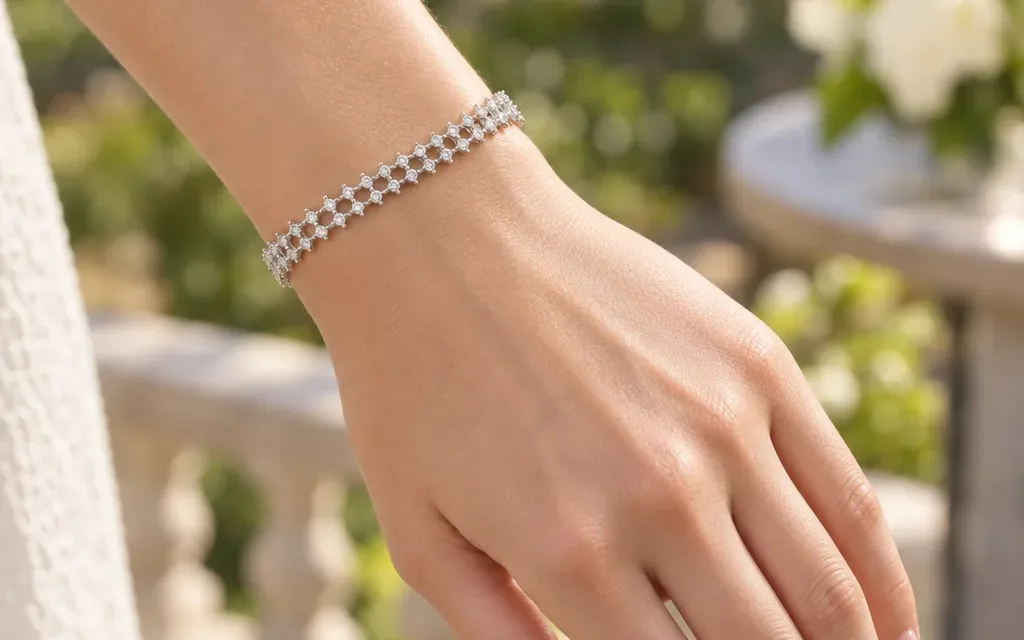
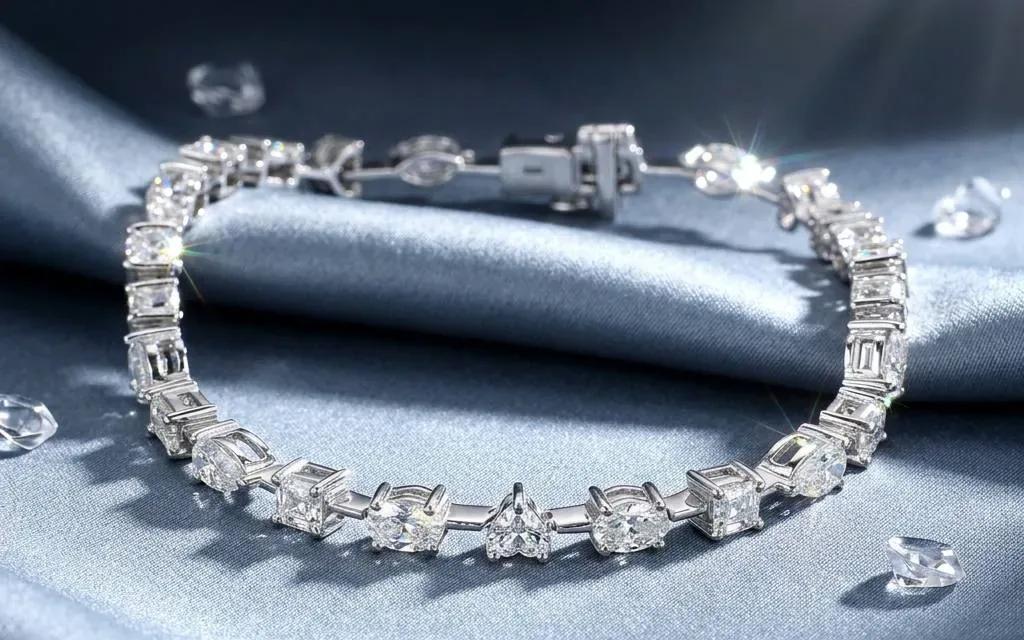
Virtual bracelet try-on
On-wrist bangles and chains rendered in about 30 seconds.
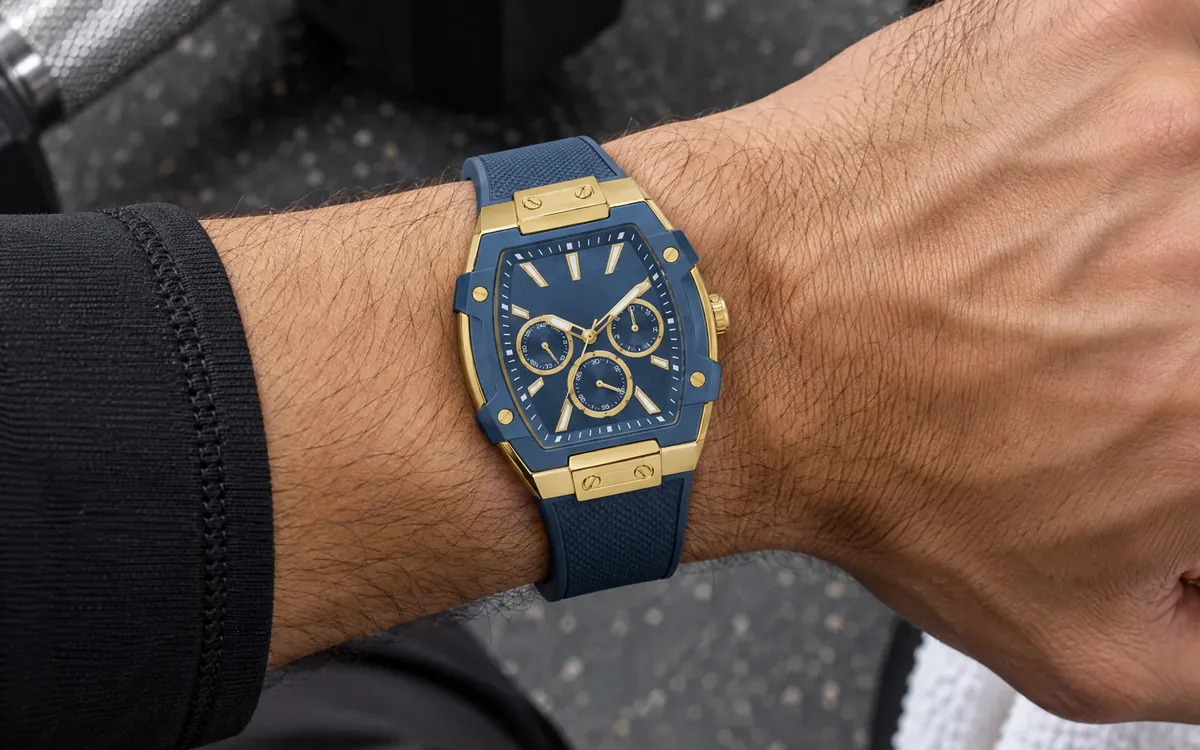
Virtual watch try-on
On your own wrist or a model's: case size and strap in about 30 seconds.
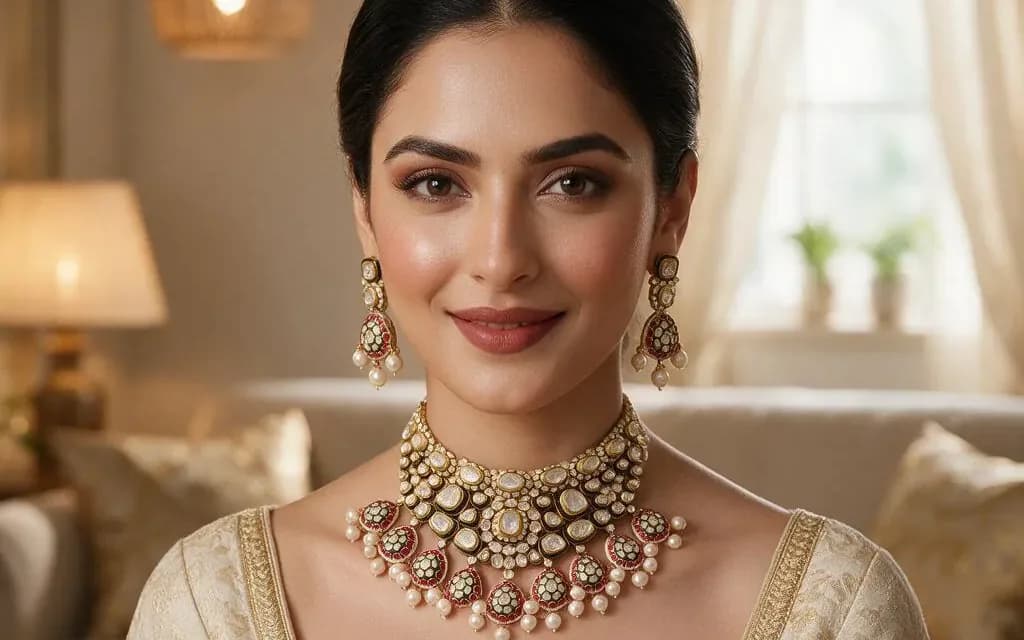
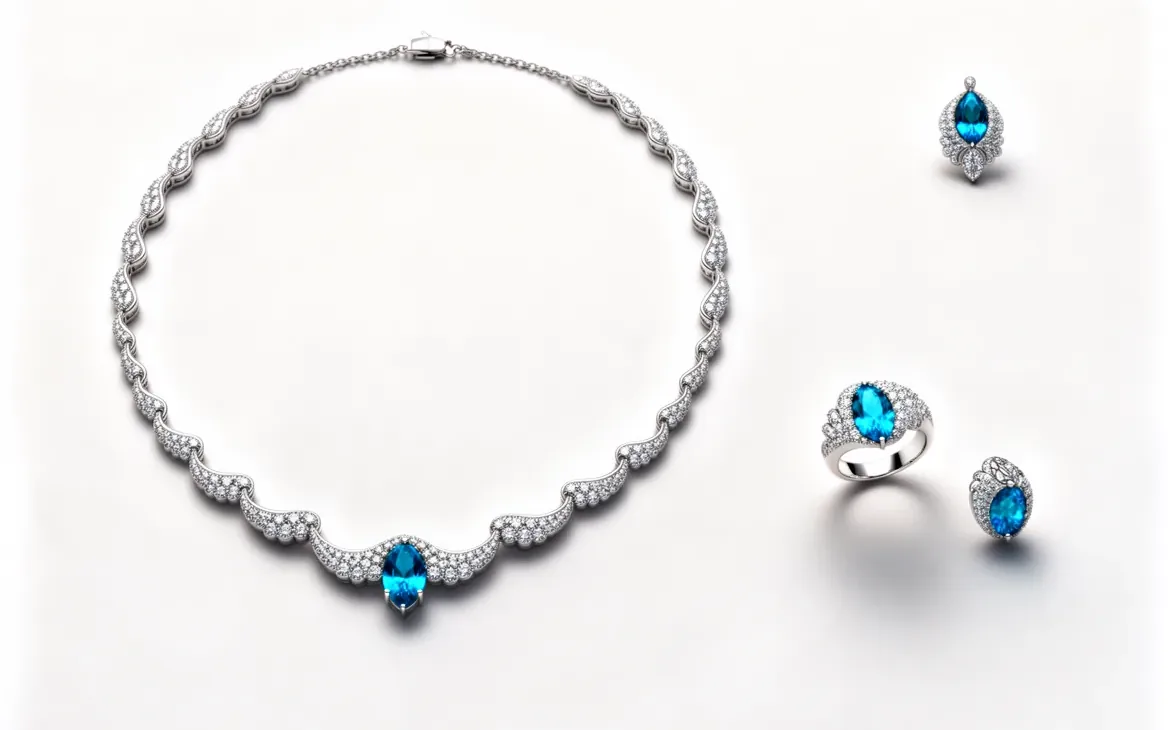
Jewelry set try-on
Coordinated set imagery rendered in about 30 seconds.
Model Photography
Video
Design & CAD
Editing
Latest guides
- How to Photograph Rings: A Step-by-Step Guide
- How to Photograph Silver Jewelry Without Reflections or Color Casts
- How to Photograph Jewelry With a Phone
- How to Get a Pure White Background on Jewelry Photos
- How to Try On a Bracelet Online Before You Buy
- How to Choose a Watch as a Gift: Size, Style and Budget
Start with 80 free credits
No card required. Turn your next product shot into catalog-ready imagery in under a minute.