
For manufacturers and wholesalers
Catalog images for a whole jewelry line, not one piece at a time
Batch a collection with the same lighting and framing, turn CAD files and sketches into photoreal images, and show designs before they are cast.
Updated
In short
Hues AI is an AI imaging studio for jewelry. A manufacturer or wholesaler can render a whole line in batches with one consistent look, turn CAD files into photoreal line-sheet images before production, and pass the files to retailers with full commercial rights, at down to $0.02 per credit at volume.
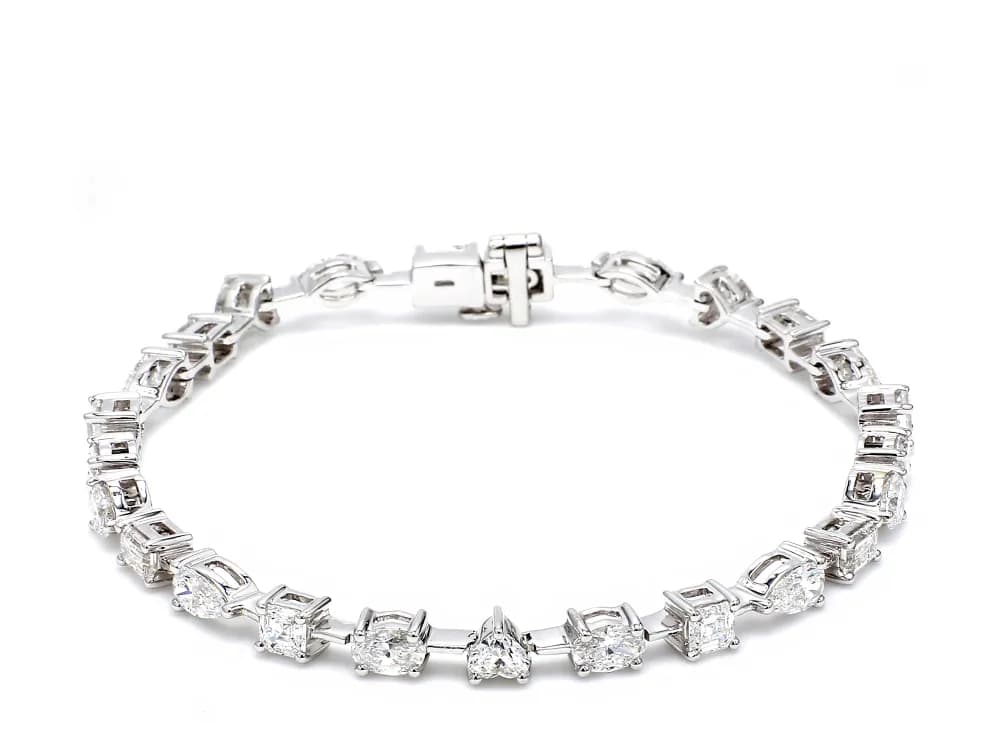
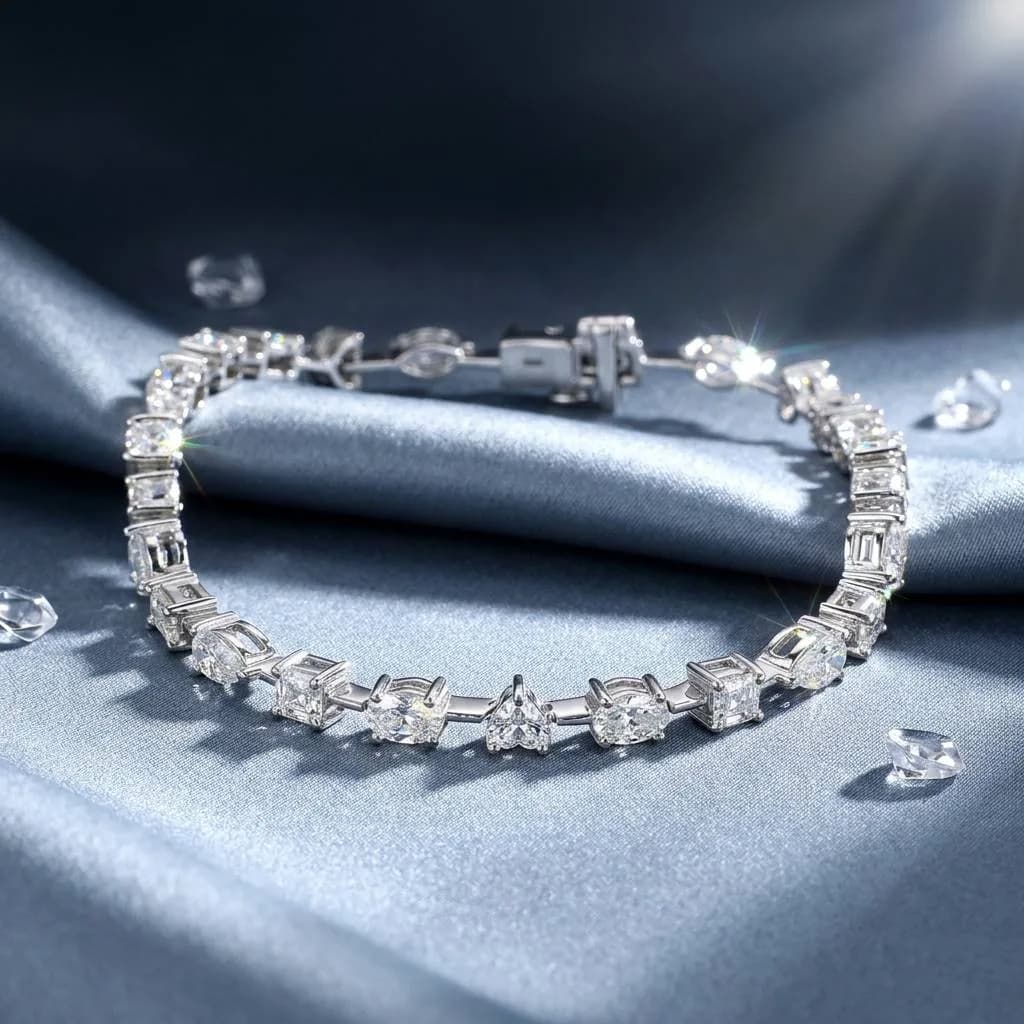
A real studio job: the photo on the left went in, the image on the right came out.
A manufacturer's image problem is volume. A line can run to hundreds of designs, each in several metals, and the retailers and marketplaces you supply each want their own set of files. Shooting every variant is slow and expensive, and photos taken in different sessions rarely match. Hues is built to work through a catalog in batches and keep it consistent.
One look across the whole line
The metal color tool edits a photo of a piece from a written instruction, for example a different metal, with up to five reference colors for exact shades. It is an instruction-driven edit rather than a one-click switch, so check every result against the real piece before it goes into a line sheet.
Batch processing queues the whole collection at once and keeps lighting and framing the same across every frame, so a retailer receiving your files gets a set that already matches their catalog.
Show designs before they are cast
CAD rendering and sketch to render turn design files into photoreal images, so new designs can go into a line sheet, a buyer presentation or a pre-order before production. Every render carries full commercial rights.
Files for the marketplaces and retailers you supply
Wholesale marketplaces and retailer feeds each set their own image rules. The marketplace pages below list them, checked against each marketplace's own seller documentation. Images render at up to 16 MP, large enough for print catalogs and trade-show material as well as the web.
The tools for this job
AI jewelry photography
Matching catalog frames for every design in the line.
CAD jewelry design visualizer
Photoreal line-sheet images straight from CAD, before casting.
Jewelry sketch to render
Turn a designer's sketch into an image buyers can react to.
Change jewelry metal color
Instruction-driven edits for finishes, checked against the sample.
Jewelry model photography
On-model images retailers can use on their own listings.
Jewelry photo retouching
Clean up factory and sample photos before they go out.
Image rules for the marketplaces you sell on
What it costs
For a full line, the largest pack has the lowest rate. The Enterprise pack is 50,000 credits for $1,000.00, or $0.020 per credit. Credits are a one-time purchase, and the studio shows each job’s credit cost before it runs. Every pack from 500 to 50,000 credits is on the pricing page.
Talk to sales
Tell us what you sell and how many images you need a month.
Frequently asked questions
Batch processing takes a whole collection in one run and returns the finished frames together. For a very large catalog, talk to sales about volume credits first.
Yes. CAD rendering and sketch to render turn a design file or a drawing into a photoreal image of the piece, so it can go into a line sheet or a pre-order before production.
Credits get cheaper as the pack gets bigger: $0.035 per credit on 500 credits, falling to $0.02 per credit at 50,000. Credits are a one-time purchase with no subscription.
Every image comes with full commercial rights, so you can pass the files to the retailers and marketplaces that sell your line.
Start with one collection: photograph one sample per design, run it as a batch, and check the results against the samples. Once the look is settled, run the rest of the line the same way. Talk to sales first if you need a large credit pack.
Related
Online jewelry stores
Catalog shots on white, on-model images and short product video, made from the phone or studio photos you already have. Each render takes about 30 seconds.
Jewelry designers
Turn a hand sketch or a CAD file into a photoreal render, try it in other metals, and put a finished image in front of a client before anything is made.
How to Photograph Jewelry at Home Like a Pro
A hands-on guide to photographing jewelry: the gear that matters, how to control light and reflections, the camera settings for crisp detail, and where to stop fussing and let software help.
AI Jewelry Photography: How It Works and When to Use It
What AI jewelry photography actually does, how the models are trained, the inputs that work best, realistic costs and turnaround, and where it fits alongside a traditional camera.
Pricing
One-time credit packs, no subscription.
Start with 80 free credits
No card required. Turn your next product shot into catalog-ready imagery in under a minute.