
Video
AI jewelry product video from a single photo
A rotating product clip in one to two minutes.
Costs 60–120 credits a clip ($2.10–$4.20 at the starter rate). The studio shows the exact price before you run it. Every tool's price
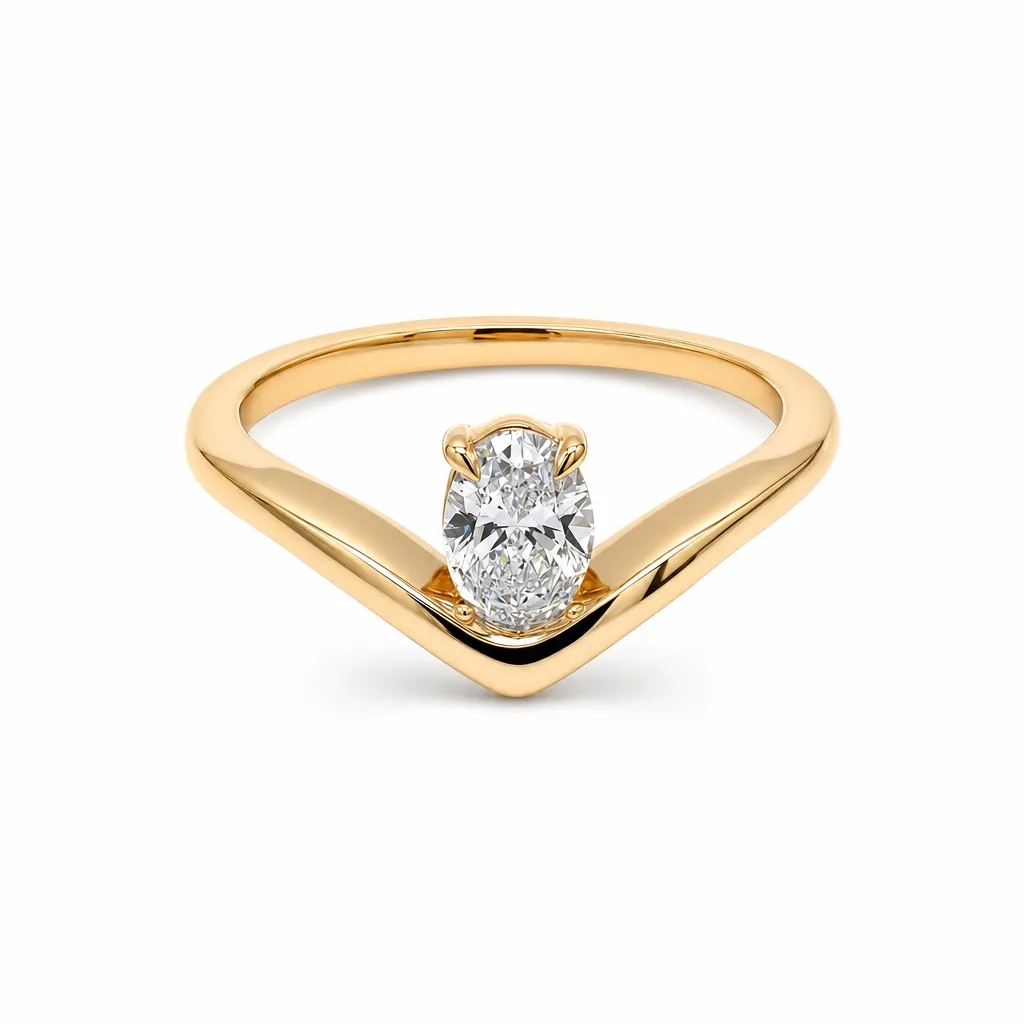
A real studio job: the photo on the left went in, the image on the right came out.
This jewelry product video maker turns a single still into a smooth rotating clip that shows sparkle, facets, and finish in motion. Upload one image and Hues renders a product video in roughly one to two minutes, no turntable rig or videographer required. Every clip carries full commercial rights.
Why jewelry needs motion more than most products
The property that sells a stone — the way it throws light as it moves — is the one property a still photograph structurally cannot show. A photograph freezes one angle of refraction. Everything a jeweller means by fire, brilliance and scintillation only exists across time.
A short rotating clip is the cheapest way to put that back. It is also the format every product surface now favours, from a listing gallery to a paid social placement.
What a clip shows that a still cannot
Three things, all of which are common pre-purchase questions and none of which a single frame answers well.
- How the stone behaves as the light angle changes
- The piece from the back and the side, not just the hero angle
- Real proportion, because motion gives the eye a sense of scale
Where the clips run
A product clip is short enough to sit in a listing gallery without slowing it down, and self-contained enough to run as an ad without a voiceover or a cut. The same render usually covers both.
Video takes one to two minutes rather than the roughly 30 seconds a still takes, and the studio shows the exact credit cost before the run starts.
Why jewelers use it
Sparkle in motion
A slow rotation reveals fire and facet play that a still frame simply cannot show.
From a single still
No turntable, macro lens, or video crew, one product image is enough to generate the clip.
Built for the feed
Short product video lifts engagement on listings, reels, and ads where motion wins attention.
Studio-quality, yours to use
Clips come with full commercial rights for every channel you sell on.
How it works
- 1
Upload one image
Add a single product photo of the piece.
- 2
Choose the motion
Pick a rotation or reveal that flatters the piece.
- 3
Render the clip
Hues produces a product video in about one to two minutes.
More examples
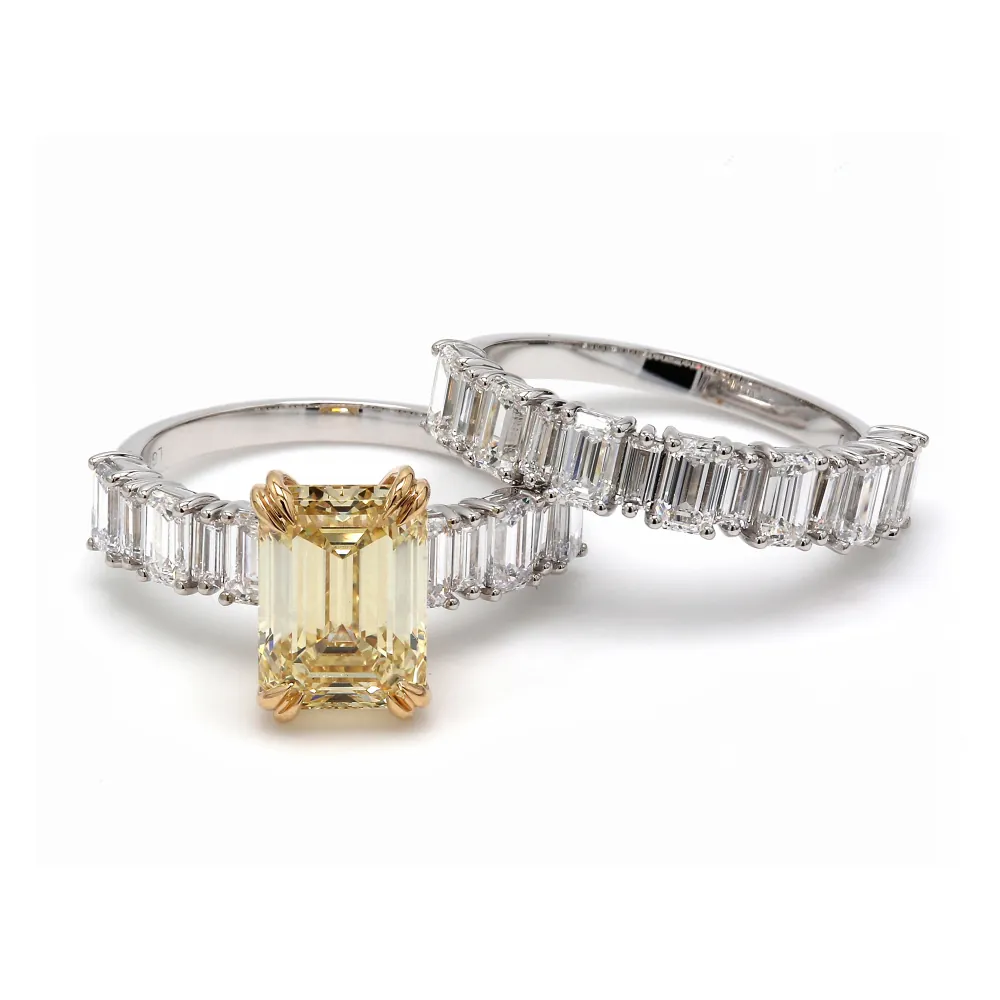
What you can feed it
- A single product photo
- Catalog images
- Retouched stills
- CAD renders
- Flat lays
Frequently asked questions
Yes. Hues generates the motion from a single still, so there is no turntable, macro rig, or videographer. It is the fastest way to add video to a listing that only has a product photo today.
Most clips finish in roughly one to two minutes. That makes it practical to produce video for a whole catalog rather than reserving motion for a few hero pieces.
Product video carries full commercial rights, so you can post it on product pages, marketplace listings, reels, and paid ads. Motion tends to hold attention longer than a static image in a busy feed.
Video costs more credits than a still image, and the amount varies with length and complexity. The studio shows the exact credit cost before you run it, so there is no guesswork. New accounts start with 80 free credits once they verify their email address, with no card required.
Related tools & reading
Jewelry scene video
A 5 to 15 second clip in one to two minutes.
AI jewelry photography
Catalog-ready photography rendered in about 30 seconds.
CAD jewelry design visualizer
Photoreal renders from a CAD screenshot in about 30 seconds.
AI Jewelry Photography: How It Works and When to Use It
What AI jewelry photography actually does, how the models are trained, the inputs that work best, realistic costs and turnaround, and where it fits alongside a traditional camera.
Jewelry E-Commerce Image Best Practices That Convert
The image standards that make jewelry sell online: the right resolution and backgrounds, a consistent set of angles, scale cues, and honest color across every listing.
AI jewelry imaging vs a traditional photo studio
Compare AI jewelry imaging with a traditional photo studio on cost, speed, consistency, and control, and learn when each approach wins for your catalog.
gemzy alternatives for jewelry: what to use instead
gemzy alternatives for jewelry: web studios, pay-as-you-go credits, try-on and CAD renders. Prices and limits as each vendor publishes them, October 2026.
Start with 80 free credits
No card required. Turn your next product shot into catalog-ready imagery in under a minute.