
Video
Jewelry scene video: your piece in a styled setting, from one photo
A 5 to 15 second clip in one to two minutes.
Costs 80–430 credits a clip ($2.80–$15.05 at the starter rate). The studio shows the exact price before you run it. Every tool's price
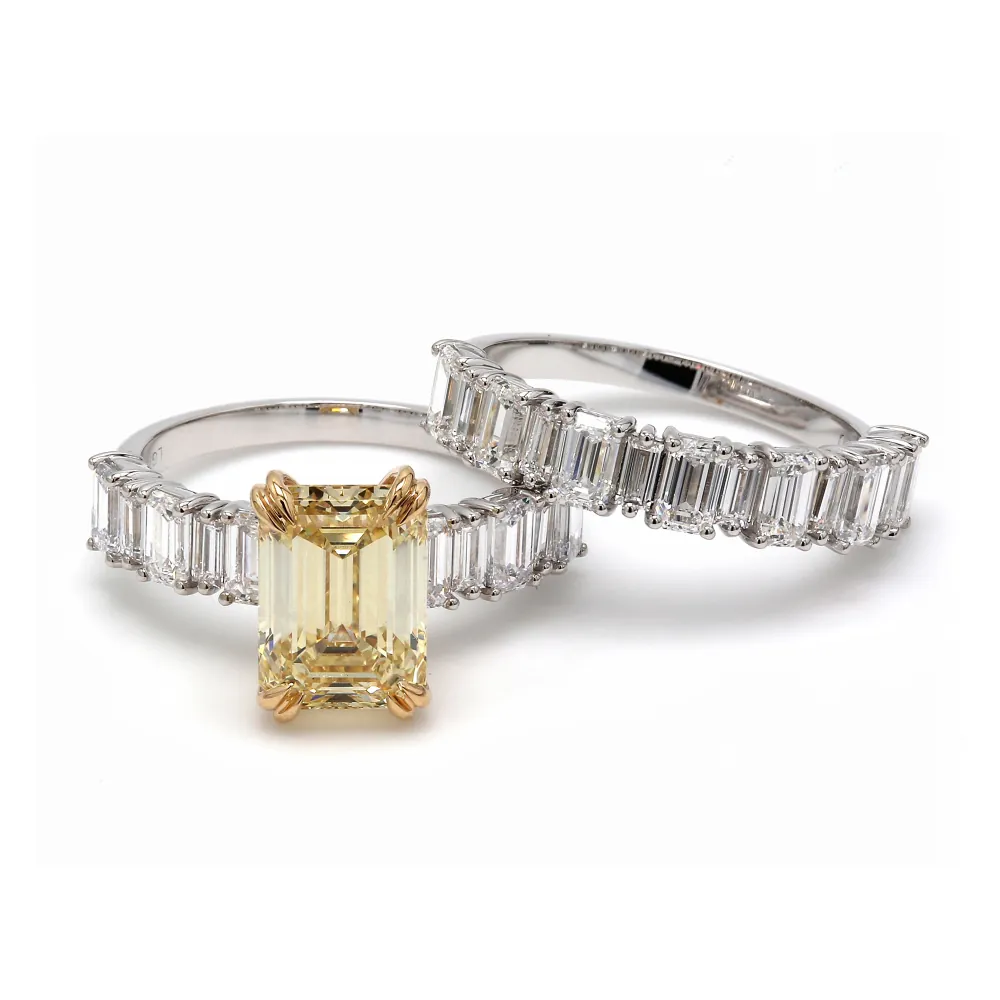
A real studio job: the photo on the left went in, the image on the right came out.
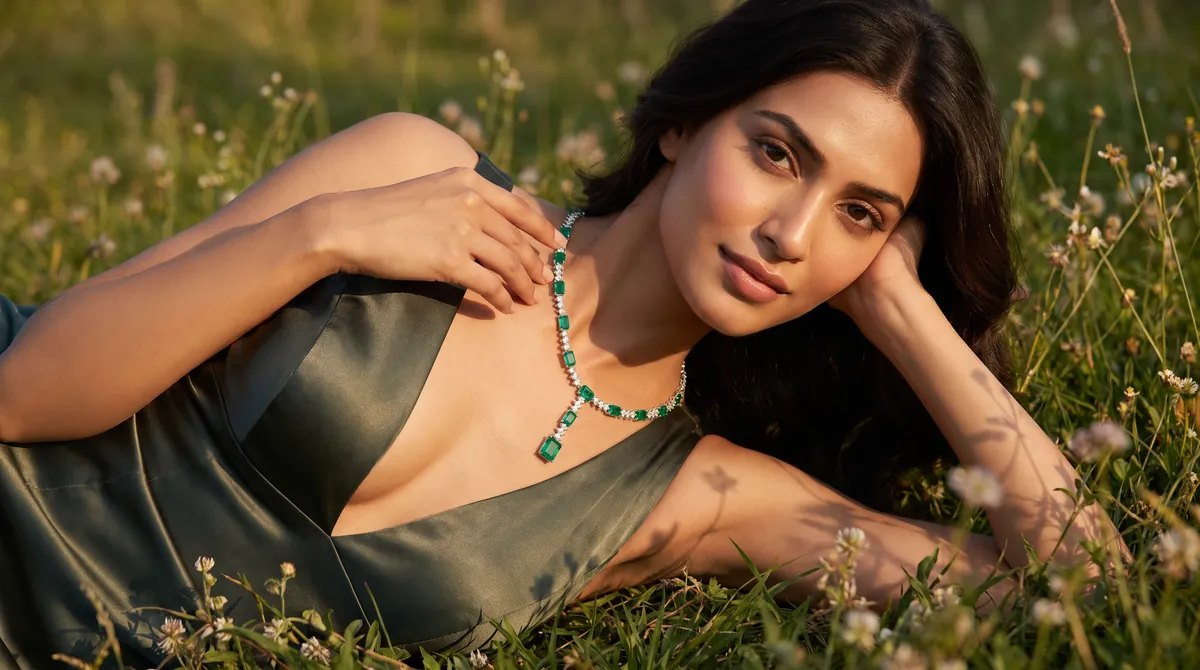
Upload one photo of the piece, pick a setting and a mood, and Hues returns a 5, 10 or 15 second clip of it there. The two examples below started as still photos: a yellow diamond ring on white became a clip of the ring on a hand in warm sunlight, and a photo of a model in an emerald necklace became a clip of her moving in a meadow. A clip takes one to two minutes and costs 80 to 430 credits. You keep full commercial rights.
Scene video or product video?
A product video turns the piece so a buyer can look at it from every side: how the stone sits, what the back of the setting looks like. A scene video puts the piece somewhere. Light moves over it, a hand or a model wears it, and the clip tells people what the brand feels like more than what the object is.
Most jewelers end up wanting both. Put the product video on the listing, where people check details before they buy. Use the scene video in ads and on landing pages, where the job is getting someone to stop scrolling. Asking one clip to do both usually leaves you with a clip that does neither well.
What goes in, what comes out
You start with a photo of the item, the same kind you'd use on a product page. Hues composes the setting, the movement and the light around it instead of capturing them on location, which is why a seasonal or themed version doesn't need a shoot day.
The piece in the clip comes from your photo, so start from the best image you have. If the original is dim or soft, run it through retouching first and use the cleaned-up still.
Where scene video earns its place
Campaign headers, seasonal landing pages, Reels and Stories. These are places where you're competing for attention rather than answering a question about carat or chain length.
What a scene video costs
Scene video takes more rendering than anything else on Hues, so it costs the most: 80 to 430 credits a clip. The price depends on the length (5, 10 or 15 seconds), whether you add sound, and Pro mode, which adds 40. The studio shows the exact figure before you run it. Credits are a one-time purchase, not a subscription.
Why jewelers use it
A setting without a shoot
There's no location to book, set to build or crew to hire. The setting is generated around the photo you upload.
One photo, many seasons
A bridal clip for spring and a festive one for December can come from the same product photo, without the piece leaving the safe.
You pick the length
Clips run 5, 10 or 15 seconds, with or without sound. Short ones suit Reels and Stories, longer ones a site header.
Cleared for ads
Each clip comes with full commercial rights, so you can run it in paid social, on your site and in campaigns.
How it works
- 1
Upload the piece
A product shot, a retouched still, an on-model photo or a CAD render. The sharper the photo, the better the stone and metal hold up in the clip.
- 2
Set the scene
Choose the setting and mood, then the length and whether you want sound.
- 3
Render the clip
It's ready in about one to two minutes. The credit cost shows before you start.
More examples
What you can feed it
- Product photos
- Retouched stills
- On-model images
- CAD renders
- Catalog frames
Frequently asked questions
A product video is usually a clean turn of the piece so buyers can inspect it. A scene video places the piece in a styled setting with light and movement, which suits launches, ads and landing pages.
You choose 5, 10 or 15 seconds, with or without sound. Rendering takes about one to two minutes.
No. Hues builds the setting around your product photo, so there's no set, location fee or film crew.
Yes. Each scene video comes with full commercial rights, so you can use it in paid social, on your site and in campaigns on the channels you sell on.
80 to 430 credits, depending on length, sound and Pro mode. The studio shows the exact cost before you run it. Credits are a one-time purchase, not a subscription.
Related tools & reading
Jewelry product video
A rotating product clip in one to two minutes.
Jewelry model photography
Lifelike model photography rendered in about 30 seconds.
Jewelry background removal
Clean or styled backgrounds rendered in about 30 seconds.
Hues AI vs Midjourney for jewelry imaging
Midjourney invents jewelry from text but can't reliably reproduce your exact ring, setting or stone count. Hues AI renders yours from a photo, CAD or sketch.
Start with 80 free credits
No card required. Turn your next product shot into catalog-ready imagery in under a minute.