
Marketing
Jewelry Instagram Post Ideas for the Holiday Season (Plus WhatsApp)

For jewelry brands and showrooms, the gift season's posts that work answer a buyer's questions: who is it for, what does it cost, how big is it, and how will it look on them. Build the season's posts around those questions, show every piece on a person as well as on its own, and make it easy to ask about a piece in a message.
Here are post ideas grouped by the question they answer, followed by a short guide to setting up a WhatsApp Business catalog, so inquiries that start in a chat can end in an order.
Gift guides: who is it for, and what does it cost?
- Gifts by person: a carousel per recipient, such as for her, for him, for mum, for a best friend.
- Gifts by price: 'under 50', 'under 100', 'under 250' in your own currency.
- Gifts by birthstone or zodiac sign, which turn an ordinary pendant into a personal one.
- Matching sets: earrings and pendant, or his-and-hers bands, shown together.
- A last-minute guide in the final week, featuring pieces in stock and ready to send.
Posts that show scale and fit
- On the hand, on the ear, on the neck: every piece shown worn, next to its plain product shot.
- One piece, three ways: the same necklace with a T-shirt, a work shirt and a party dress.
- Size comparison: three stud sizes, or three chain lengths, on the same model.
- A size guide post linking to a ring size chart or necklace length chart, saved to a highlight for the whole season.
- 'See it on you': invite followers to send a photo, then reply with an image of the piece on them made with a virtual try-on tool, and only post it with their permission.
Reels and Stories
- A rotating product clip of each bestseller, made from a single still with a product video tool, to show sparkle a photo can't.
- Unboxing: the gift box opened, the piece lifted out, the packaging shown.
- Behind the bench: setting a stone, polishing, engraving. Craft is something a mass retailer can't easily show.
- Polls and quizzes in Stories: 'Gold or silver?', 'Which would you gift?'.
- A countdown sticker for your last order date for delivery before the holiday.
- Story highlights for gift guides, sizing, delivery dates and care, so the answers stay up all season.
Festival posts for a global audience
Jewelry buyers celebrate different occasions, and a post for the festival your customers actually celebrate does more than a generic holiday post. Plan around the dates that matter to your market:
- Dhanteras (Fri 6 Nov 2026) and Diwali (Sun 8 Nov): gold, coins and festive sets; Dhanteras is the traditional day for buying gold in India
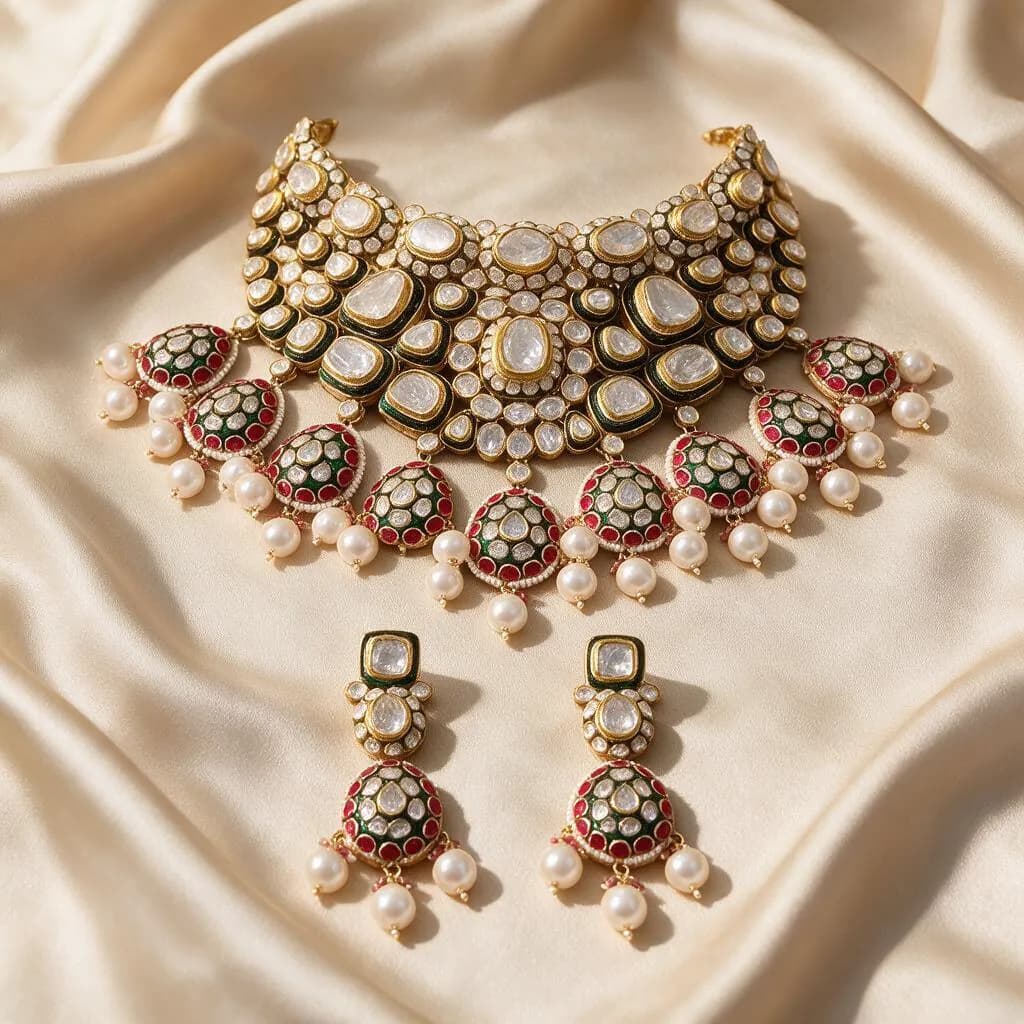
- The winter wedding season: bridal sets, kundan and polki, styled with the outfits they are worn with
- Black Friday and Cyber Monday (27 and 30 Nov): the offer, the end date and the pieces it covers
- Hanukkah (4 to 12 Dec): blue, white and silver styling
- Christmas (25 Dec) and New Year: gift guides, party pieces and last-order dates
- Lunar New Year and Valentine's Day (14 Feb) shortly after: red and gold, then paired and heart pieces
 Starting photo
 Made with Hues
Making a season of content from the photos you have
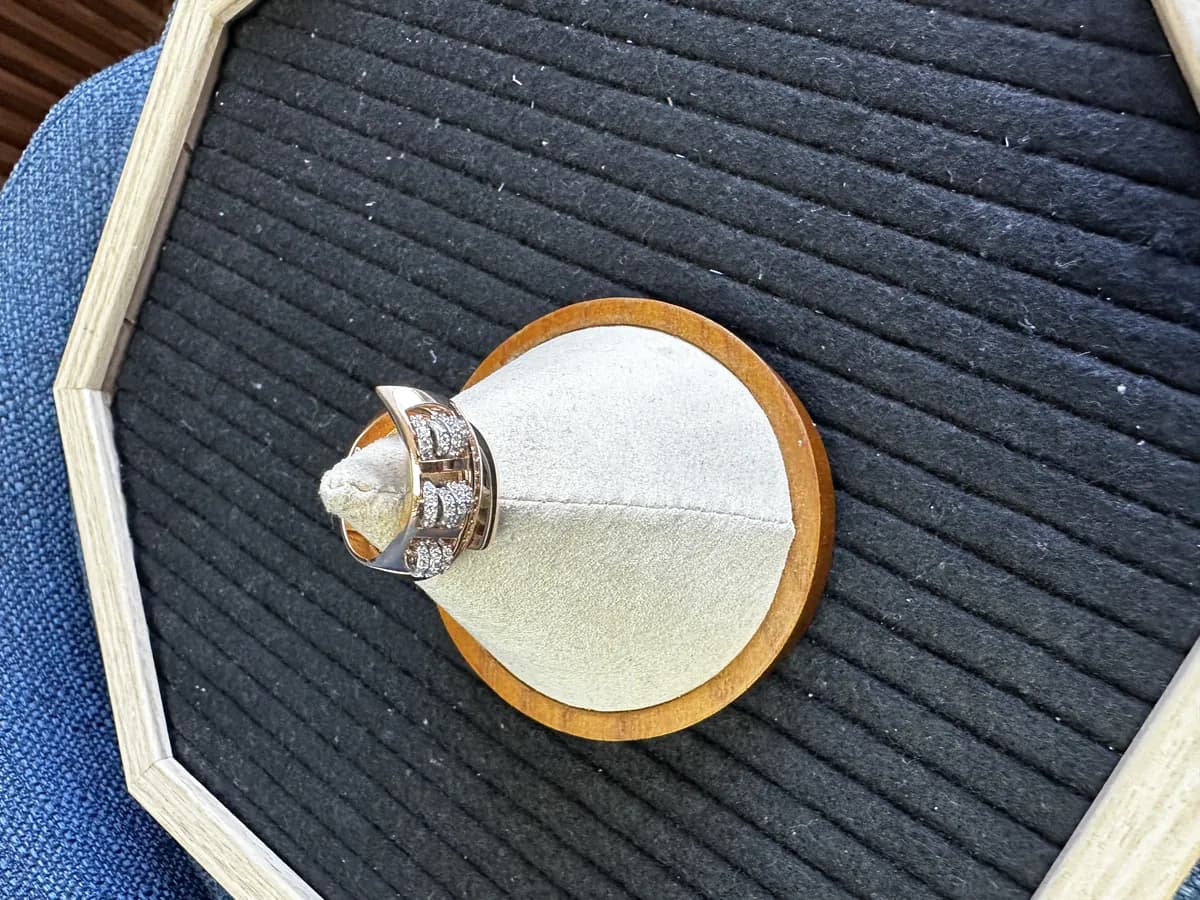
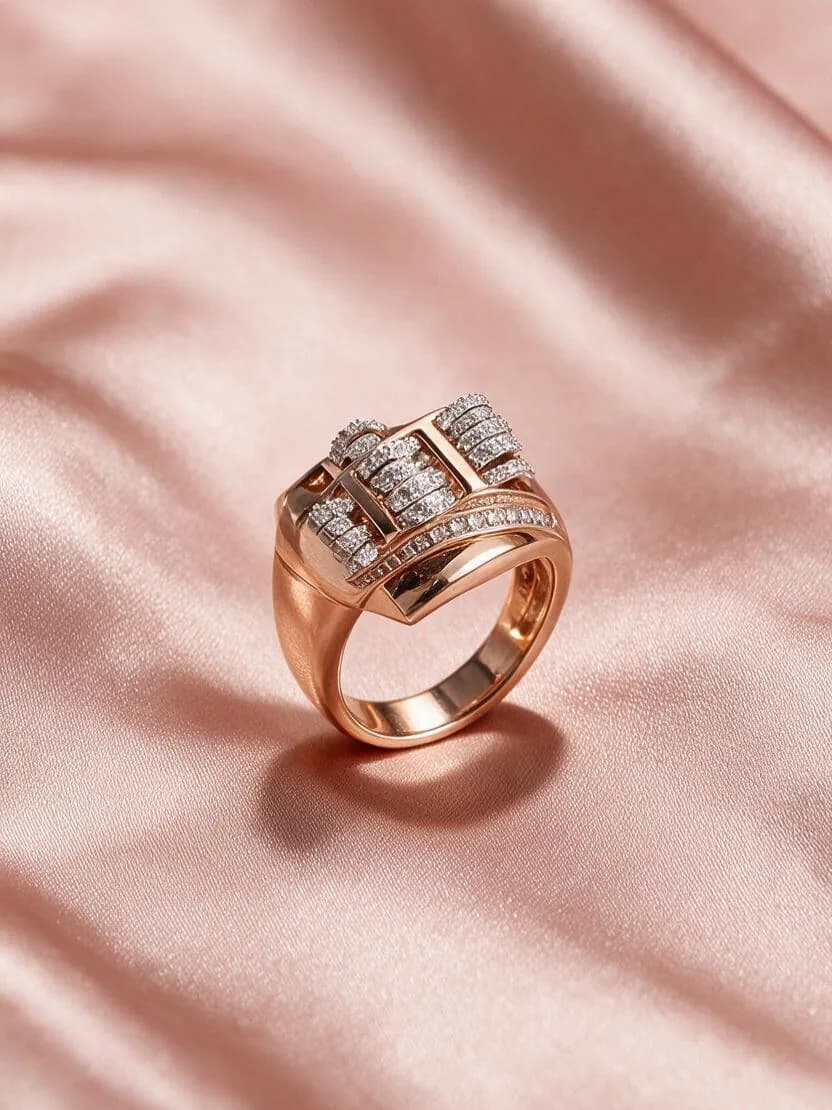
Most of these posts need two images of each piece: a clean product shot and the piece worn. A phone photo taken in the showroom can become both. AI jewelry photography turns it into a clean catalog frame, and on-model images put the piece on a model, each in about 30 seconds, so a whole display case can be posted without booking a shoot.
Check every result against the real piece before posting, especially the tone of the metal and the stones, so what customers see online is what they find in the shop.
 Starting photo
 Made with Hues
Set up a WhatsApp Business catalog
When a customer asks about a piece in a chat, a catalog in the WhatsApp Business app lets you send the piece itself, with photos and a price, instead of a loose photo and a typed reply. According to WhatsApp's Help Center (checked October 2026):
- In the app, open Catalog (under Tools on Android) and choose Add new item. Menu names vary slightly between phone and desktop.
- Each item can have up to 10 images or videos; a video can be up to 50 MB.
- Every item needs a name and a country of origin. Price, sale price, description, website link and a product code are optional.
- WhatsApp reviews every image before the item becomes visible to customers, so add festive items well before you need them.
- Items can be grouped into collections, such as 'Gifts under 100' or 'Bridal sets', and hidden when they sell out.
Captions and posting
- Lead with the answer to the buyer's question: the price, the size or who it suits.
- Give the metal, stone and size in every caption; gift buyers often don't know what to ask.
- Say how to buy: a link, a DM or a WhatsApp message, and the last date for delivery before the holiday.
- Tag your location if you have a showroom, so local buyers can find you.
- Ask before you repost a customer's photo, and credit them.