
Photography Guides
Christmas Jewelry Photography: Ideas, Props and Marketplace Rules

For online jewelry stores and jewelry showrooms, the rule for the season is simple. Keep your main listing image exactly as it is, on plain white, and put the festive styling in the second and later images, your ads and your social posts. Then style for jewelry's scale: small props, a shallow background of warm lights, and color kept away from polished metal, which reflects whatever is next to it.
Below is a shot list for the season, prop and lighting ideas that work at ring size, the marketplace rules that decide where festive images can go, and a calendar of the dates jewelry sellers plan around.
The holiday shot list
- The main image, unchanged: the piece alone on white, for marketplaces and Google Shopping.
- A festive product shot: the same piece on velvet, satin or wood with seasonal props, for the second image and for ads.
- A gift-guide flat lay: several pieces at one price, shot from above, for 'gifts under' posts and emails.
- An on-model party shot: the piece worn with knitwear, a party dress or a hand holding a wrapped box.
- A close-up: the stones and setting filling the frame, to show the detail a gift buyer is paying for.
- A vertical frame for Stories and Reels, with space at the top and bottom for text added in the app.
Props at jewelry scale
Most Christmas props are huge next to a ring. A bauble the size of a fist dwarfs a solitaire, and a whole tree reduces a pair of studs to two specks. Choose props that are small, or keep large ones in the background and out of focus.
- A sprig of pine or fir, a cinnamon stick or a few cranberries beside the piece
- A single small bauble, blurred in the background
- Ribbon, a tied bow or the corner of a wrapped box
- An open ring box or gift box, with the piece in it or just in front of it
- Velvet, satin or linen in a deep seasonal color as the surface
- Fake snow, or coarse salt or sugar, scattered thinly around the base
Fairy lights and bokeh
A string of warm lights well behind the piece, shot with a wide aperture, turns into soft circles of light, the bokeh that reads instantly as Christmas. The further the lights are behind the piece, and the closer the camera is to it, the larger and softer the circles. Light the jewelry itself separately with your usual soft light, so the fairy lights only decorate the background.
Turn the fairy lights down or move them further back if they show up as hard points in the stones or as a row of reflections in a polished band.
Keep festive color out of the metal
Polished metal is a mirror. A red velvet backdrop or a green garland right next to a white gold band will tint it, and a buyer can no longer tell whether the metal is white gold or something warmer. Diamonds and clear stones pick up color from their surroundings the same way.
Put the color in the surface and background rather than at the sides, keep a white or silver card just out of frame to give the metal a clean reflection, and check the metal against your plain white shot before you publish. Gold tends to suit deep red, green and navy; silver and white gold tend to suit cooler tones such as navy, gray and white.
Where festive images are allowed
Marketplaces are strict about the first image, and most of their rules apply all year. These are taken from each marketplace's own seller pages, as summarized in our marketplace image requirements:
- Amazon: the main image must have a pure white background (RGB 255, 255, 255), with no props, no packaging or gift boxes, and no human models for jewelry and watches. Festive styling belongs in the additional images, and Amazon's image rules ban promotional text such as sale or free-gift claims in any product image.
- Google Shopping: the main image can't carry promotional overlays such as 'Shop now', prices or 'Best gift'. Additional images can show the product staged or in use, and lifestyle images can be submitted separately.
- eBay: photos can't carry added text, artwork or marketing material, so put the holiday message in the title or description instead.
- Etsy: photos must show the actual piece the buyer will receive. Etsy sets no rule against AI-edited backgrounds, as long as the photo shows that real piece.
Beyond Christmas: styling for the other seasons
- Dhanteras and Diwali: gold on deep red or maroon silk, marigolds, a lit diya kept small and soft in the background, brass or carved wood.
- Hanukkah: blue, white and silver, with candlelight in the background.
- Black Friday and Cyber Monday: the product shots stay clean, and the offer goes in the ad text and on the site, not in the listing image.
- New Year: black, gold and champagne tones, with confetti or glitter kept to the edges of the frame.
- Lunar New Year: red and gold, with paper-cut patterns or a red envelope as a prop.
- Valentine's Day, which comes soon after: pink and red, roses or petals, and paired pieces such as his-and-hers bands.
The 2026 season at a glance
Shoot the season's images a few weeks before the first date you sell for, so listings, ads and posts are ready before buyers start searching.
- Fri 6 Nov: Dhanteras, the traditional day for buying gold in India
- Sun 8 Nov: Diwali
- Wed 11 Nov: Singles' Day (11.11)
- Fri 27 Nov: Black Friday; Mon 30 Nov: Cyber Monday
- Fri 4 Dec at sundown to Sat 12 Dec: Hanukkah
- Fri 25 Dec: Christmas
- Sun 14 Feb 2027: Valentine's Day
Making festive images from the photos you have
If you already have a clean shot of every piece, you don't need to restage the whole collection for each season. A background replacement tool takes that photo and places the piece on a new surface or scene, such as dark green velvet with blurred lights or red silk with marigolds, in about 30 seconds, keeping the edges and sparkle of the original. The same piece can have a Diwali image, a Christmas image and a Valentine's image without a reshoot.
Treat the result like any photo you publish: check the metal, the stones and the scale against the real piece, and keep the plain white shot as your main image.
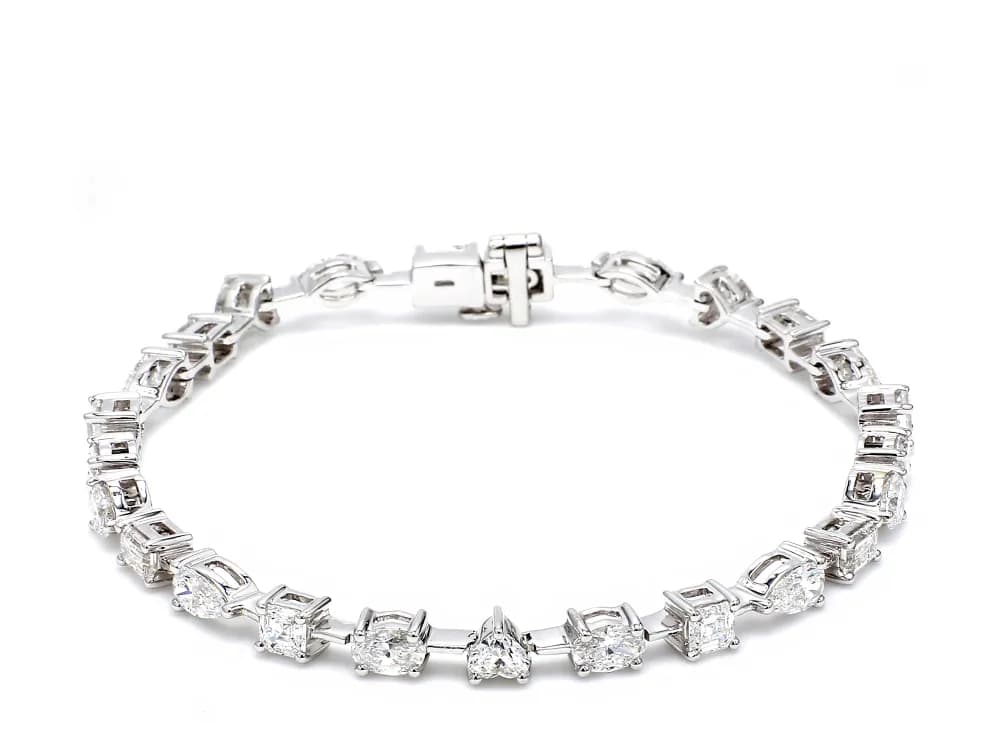 Starting photo
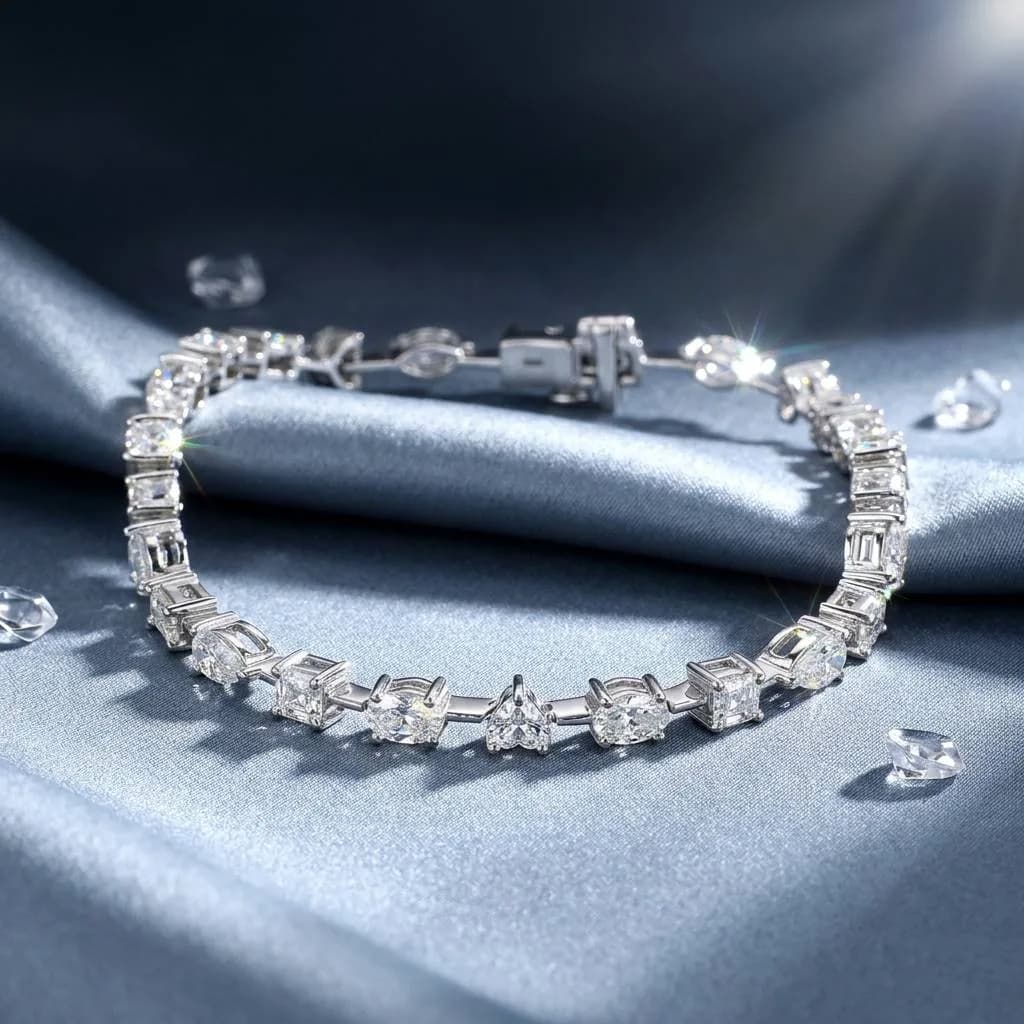 Made with Hues